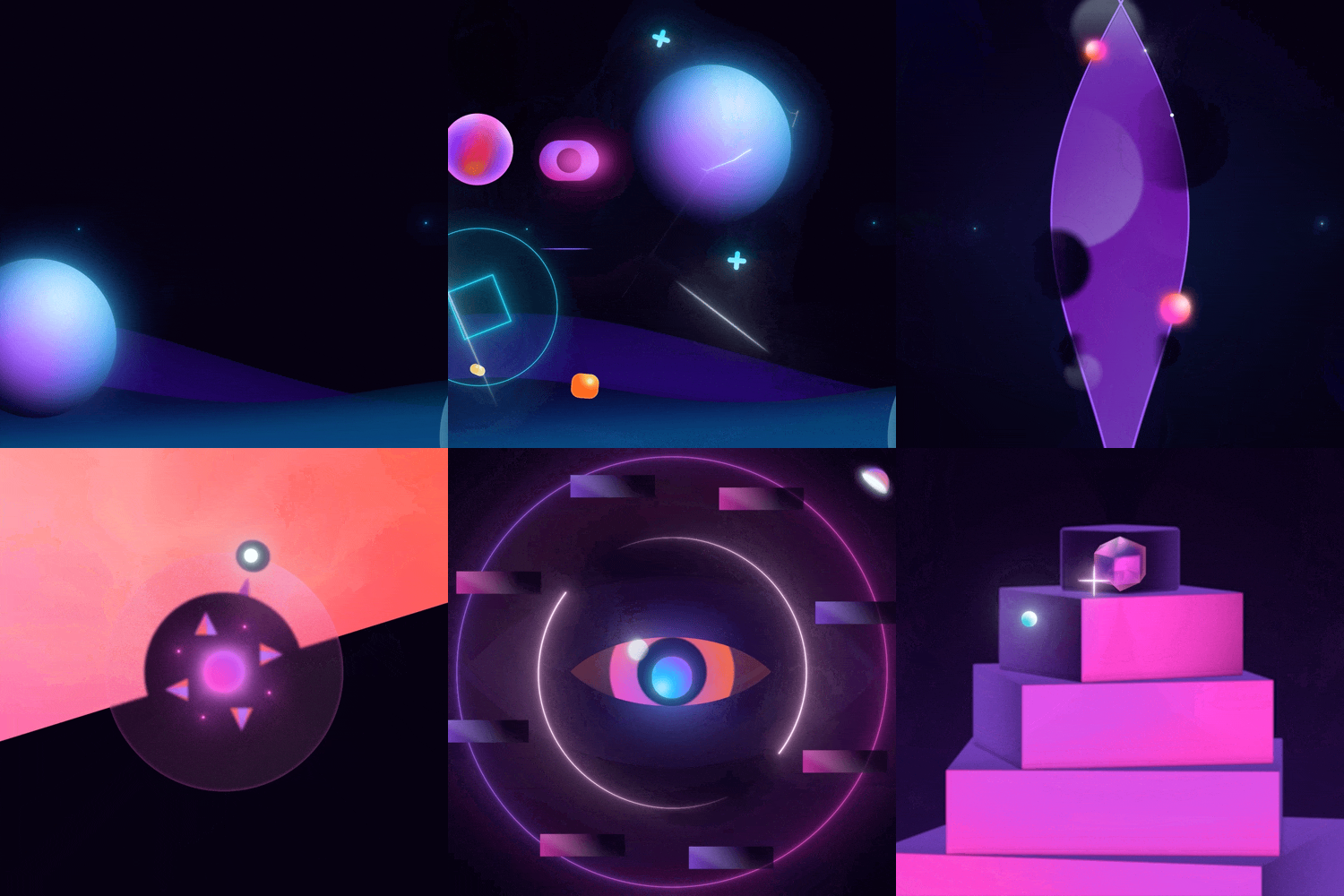
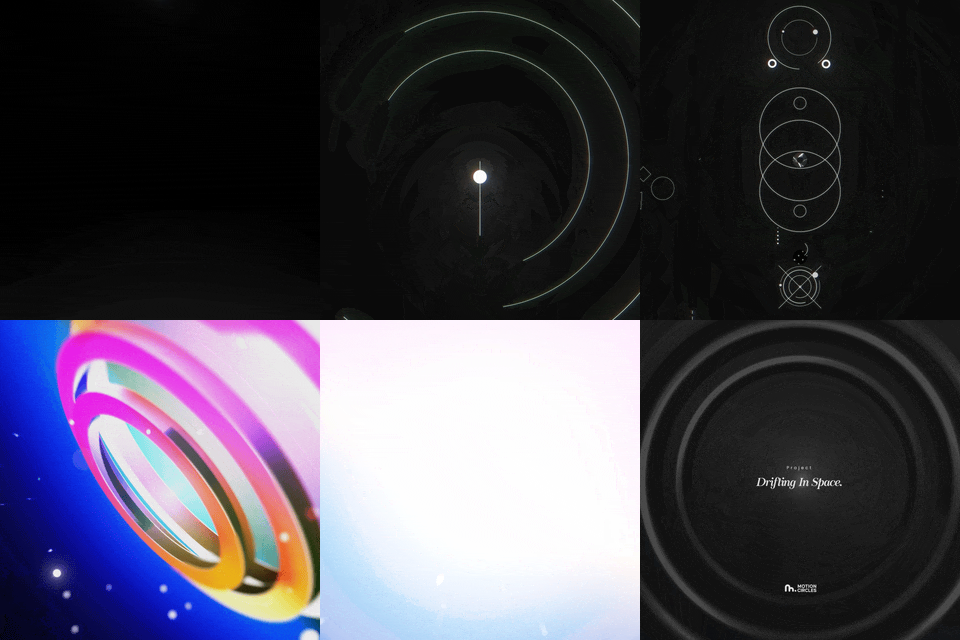
• Texture Animation: Add depth and organic feel with layered textures. • Trim Path & Easing: Smooth, professional line and shape animations. • Natural Motion & Match Cuts: Effortless movement and seamless transitions. • 3D & Gradients: Realistic three-dimensional space with glowing gradients. • Advanced Texturing: Blend modes and effects for studio-quality visuals. • Light & Shadow: Pro lighting techniques for dramatic, realistic shots.
 by Motion Circles
 Drifting in Space is a fully editable After Effects working file designed to fast-track your growth from intermediate creator to confident motion designer. By exploring every comp and keyframe, you’ll uncover the techniques professionals use to create fluid, cinematic sequences—and apply them to your own projects.
Instead of just following a tutorial, you’re dissecting a finished, production-ready project. Peek behind every layer to understand why each keyframe, easing curve, and effect was chosen. No guesswork—just proven workflows you can adapt to your own style.
• Motion designers who want to upgrade from hobbyist to professional quality. • Creators who learn best by reverse-engineering real, working files. • Anyone seeking faster, more cinematic results without months of trial and error.
Unlock the skills hidden in Drifting in Space and start animating with the confidence, polish, and artistry of a pro.