Motion Design Mastery
Our flagship all-in-one animation bootcamp to take your motion design to the next level. 8 weeks of intensive animation training that covers all aspects of modern motion design. A practical structured course that lays strong foundation for you and opens up a world of possibilities.
3,540 students enrolled
20hr of video lessons
Exclusive Motion Circles Community

4.8 Rating Based on 61 Reviews
BY

Hongshu Guo
Founder of Motion Circles
Motion Design Insturctor

57,586 students have learnt from this insturctor.
Course Details
Module #1
Animation Kickstart
Master the After Effects interface and all the essential tools. We will begin by creating a 15s animated intro from day one. You will learn the fundamentals and be able to animate a 15s spot by the end of this week.

Module #2
Secret of Great Motions
We will unveil the secrets of great motion, we will start by introducing the number one overarching rule of animation: timing and spacing. How it will affect anything you animate. You will gain a complete understanding of how easing works and how to animate lifelike movements.
Module #3
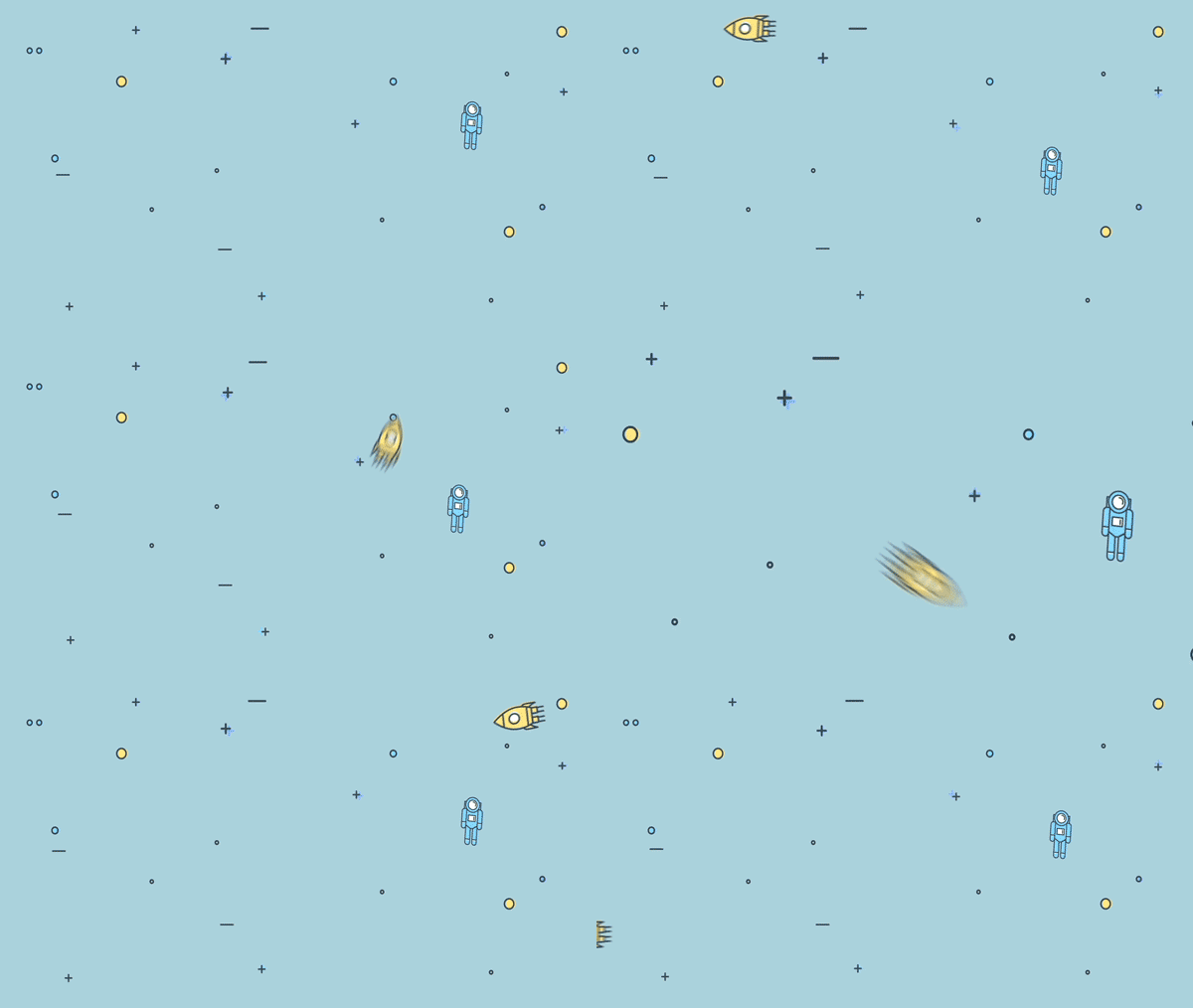
Graph Editors For Real Project
we’ll put our knowledge of the graph editor, speed graph, and value graph into action with a real-world project. I’ll guide you through the entire process, from start to finish, demonstrating every step in detail. You’ll see how to apply these concepts in a practical workflow, refining motion for smooth, professional animations. By the end, you’ll have a solid grasp of how to approach and execute animation projects with confidence.

Module #4
Add Magic to Anything
We will put the “easing” into practice and introduce you to the modern motion graphics principles. A set of rules that will take anything you animate to the next level and add magic to anything you touch. This is where you will separate yourself from the amateur animators.

Module #5
Purpose & Style
We will dive into the art of animating with purpose and style. In this part of the journey, we’ll explore not just how to animate, but how to do it in a way that feels intentional and engaging. You’ll also learn how to stylize your scenes to make them more visually appealing. we’ll cover how to add shadows, highlights, and cast shadows—techniques that really help your scenes pop and feel grounded.

Module #6
Breaking the Rules
Once you master the principles and secrets of modern animation, it’s time to break the rules. We will have some fun animating a stop motion collage style explainer video in After Effects, putting everything we learnt together while animating a full 15s spot.

Module #7
Advanced Geometric Animation
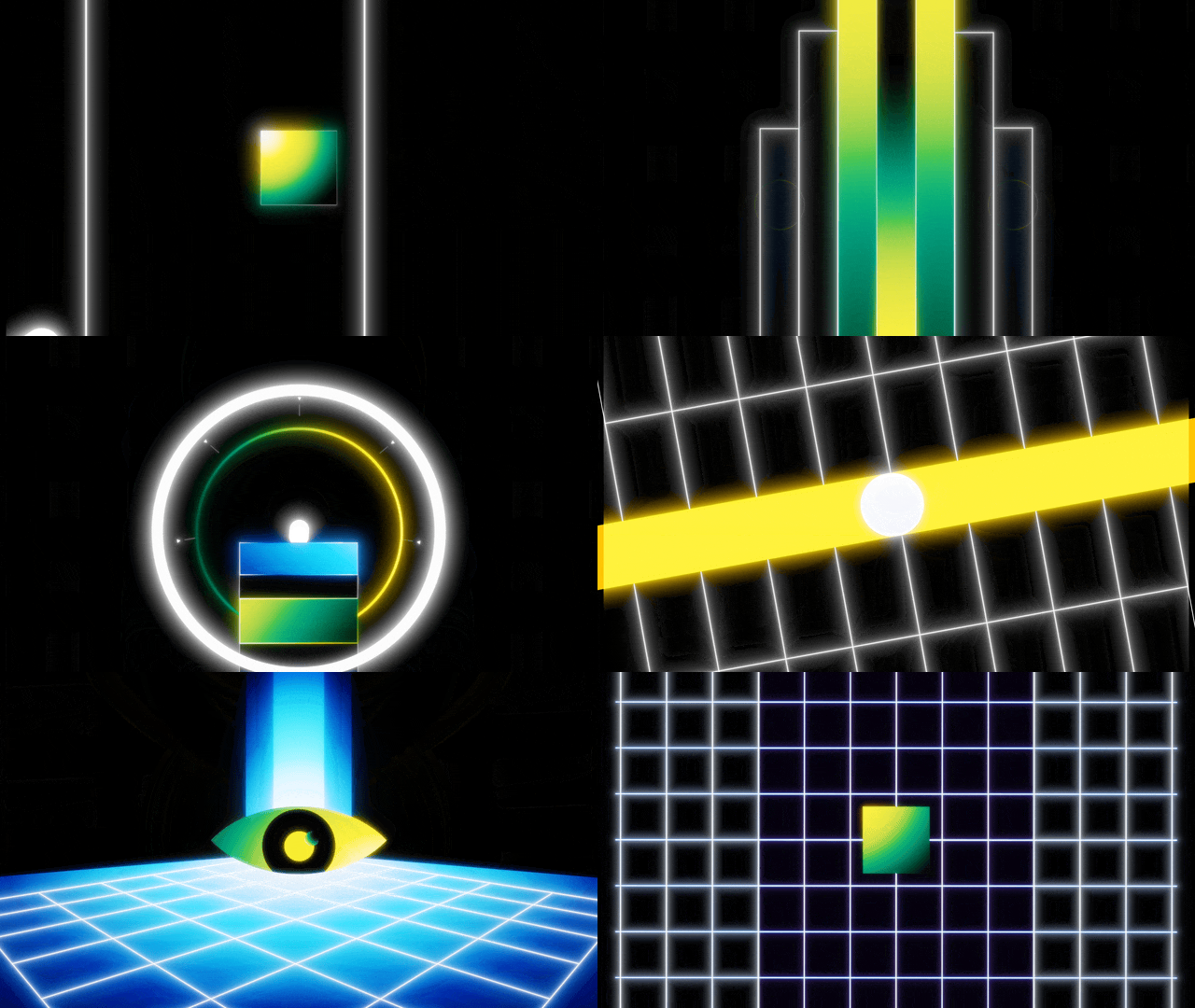
Ready to take your skills to the next level? In this section, I’ll teach you the secrets of creating dynamic geometric animation—how to animate with confidence, control the order of movements, and seamlessly multitask multiple elements. You’ll learn to sync everything together smoothly, mastering match cuts and seamless transitions. Together, we’ll create a dynamic animation, applying the principles we’ve mastered at the highest level to craft an engaging and visually striking piece.
Module #8
3D in After Effects
Ready to step into 3D without the overwhelm?
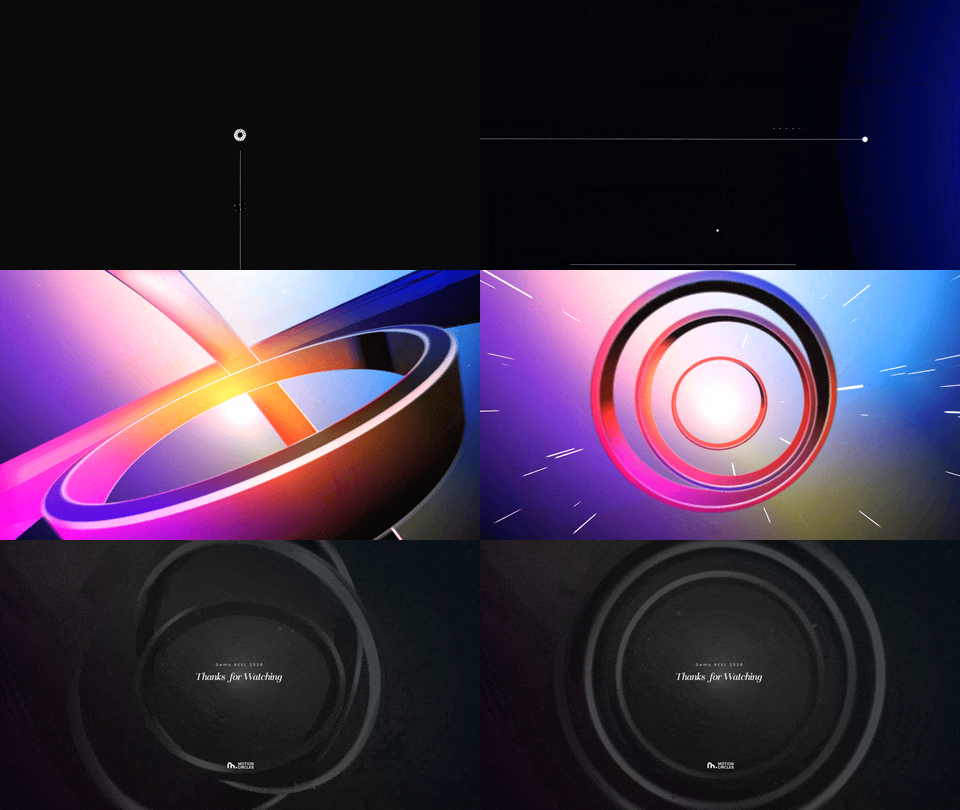
In this module, I’ll guide you through working confidently in 3D inside After Effects—from understanding 3D space to building polished, cinematic scenes. You’ll learn how to use cameras, materials, lighting, and depth intentionally, so your work feels dimensional, focused, and complete—not flat or overcomplicated. This isn’t about presets. It’s about learning how to think in 3D and apply it to any project.
Students Review
This course exceeded my expectations. I needed a refresher on using after effects and have a limited base knowledge. This felt like a little step up, but to the level where I wasn’t left confused. I am thankful this course shows not only standard ways of learning but also points out deliberate pitfalls, much as you would experience with a client or working up a project yourself, which is actually much more beneficial to learn as Hongshu teaches you critical thinking to problem solutions within the project.
Thomas Lambert
Digital Designer
A++++ very nice! straight to the point and giving the relevant techniques and examples. This is exactly what I was looking for and it was hard to find. Other courses I’ve seen are usually much longer, introduce concepts when you don’t need them, take forever to get to the point or to give you something actionable and motivating to try. This course gets all of that right plus the teacher gave me relevant feedback on my project.
Mouad Lahoiwir
Graphic Designer and video editor
This lesson is High Standard for me since this is my first time using Adobe After Effect, so I will make sure to Watch this video again and again even after my project is finished. Sometimes there’s a part that I forget and sometimes don’t understand so I should watch it again. But these lessons are really amazing and exceed my expectations. Thanks Hongshu Guo.. I strongly recommend this class if you wanna learn Beginner – Intermediate in Motion Graphics!
Denny Sutanto
UI/UX designer
This was a really interesting and useful class for me. I already used animation for a year and I had no idea about these basic rules which can make an animation a lot better. I have learned a lot and I fully recommend it to anyone who wants to be more professional in animation.
Bea Berecz
Video Editor/Motion Designer
This class exceeded my expectations! Super helpful course with info and techniques that I was able to immediately apply to my motion graphics work. The lessons were well organized and easy to follow. I will definitely take more courses from Hongshu!
Katherince P
Digital Designer
The class is sooooo amazing for understanding how to get the animated, lively feeling you are looking for. Absolutely essential!!!!I love Hongshu’s pacing for the class. He guides you in building a solid foundation for how to use the powerful and vital graph editor. Thank you Hongshu!!!
Ginny O
Digital Designer
I started as a beginner and I feel that I’m learning a lot so far and I love the assignments! It really help to learn with efficiency! So I really recommend this class!
Elaine Barrientos
Graphic Designer / Video Editor
Thank you so much for this lesson! It’s so hard to find a course that answers all my questions, but yours did. I feel much more confident now using AE! Greetings from Germany!
Saskia R
Freelance Designer
It is one of the most well designed courses which actually deals with the fundamentals of animation. A great course indeed. Just AMAZING !
Rajashree Basu
Production Designer
This class is a super great option to get you started on Motion Graphics. You do probably need to be beginner-level familiar with AE, like knowing how the interface works and understanding key frames and such. But other than that, you will learn everything you need to. I loved this class, and I like that we learned a few different animation types, and that there are practice examples provided so you can follow along. Definitely recommend!
Megan Smith
Motion Graphic Designer
At first I was so confused about After Effect it seemed so complicated to me but following the instructions I finally understood how this program works. Also I managed to make my first motion graphics and I am very thankful. Thanks Hongshu Guo!
Sofia Tsantila
Digital Designer
Hongshu is a fantastic teacher. His examples are clear, and he retains his own personal enthusiasm as speaks and teaches, which is helpful because there is a lot of information to stay focused on. I am still working on the assignments, revisiting them to help me remember the concepts. As they become natural to me, I will have Hongshu to thank for it. This is a great course!!
Shawn Encarnacion
Cartoonist Illustrator
Join The Course Today
Get started and take your motion design to next level!
Motion Insiders
All Access
$99
/quarter
- Access to all courses that have been enrolled by 100,000+ students
- Discounts on all project files from other artists listed for sale
- Exclusive access to private Discord group for students
- Unlimited Critics for 3 months. Ongoing support from the community
Price will go up as more modules are added