The Complete Beginner’s Guide to After Effects
This is a comprehensive course covering everything you need to know to start creating animations in After Effects right away. You’ll learn everything you need to get started with animating your own video and tons of topics below to help you learn this program the professional way and animate professionally in no time.
11,548 students enrolled
3hr of video lessons
Exclusive Motion Circles Community

4.8 Rating Based on 68 Reviews
BY

Hongshu Guo
Founder of Motion Circles
Motion Design Insturctor

57,586 students have learnt from this insturctor.
Course Details
Section #1
Getting Started
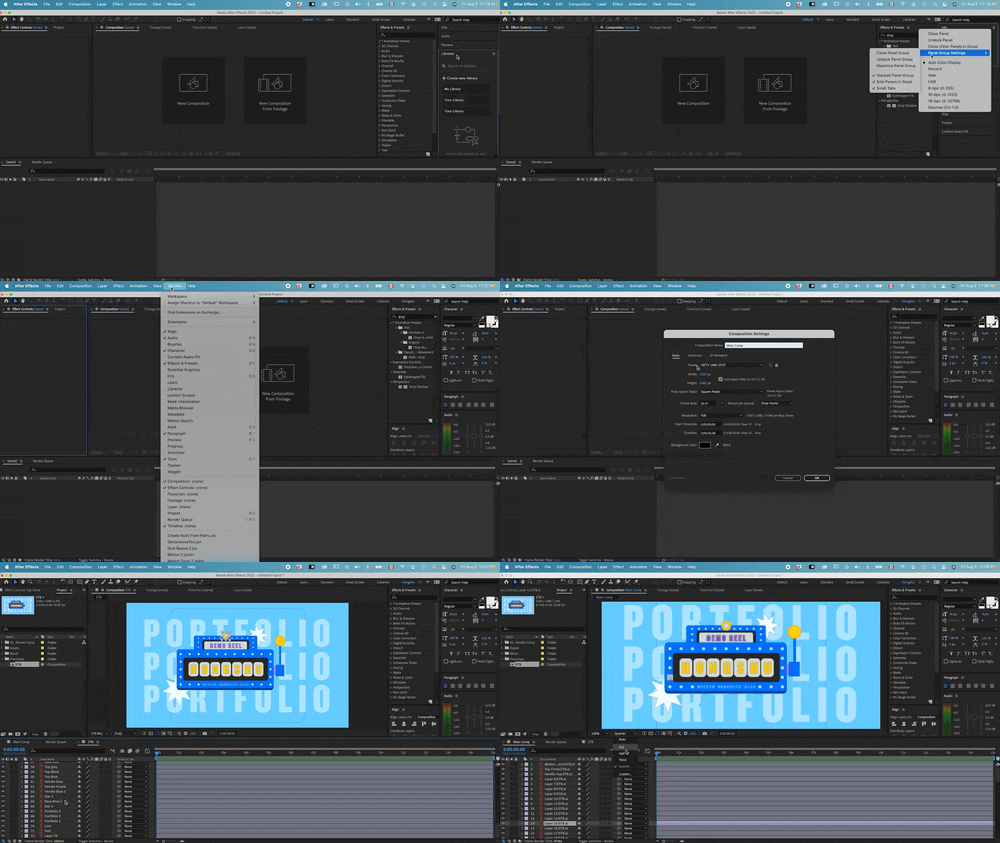
To get started, we will focus this lesson on the interface and panels. We will talk about workspaces, importing artworks, creating compositions, frame rate, timecode and some essential concepts related to animation to get you familiar with After Effects.
Section #2
Animate Basic Properties
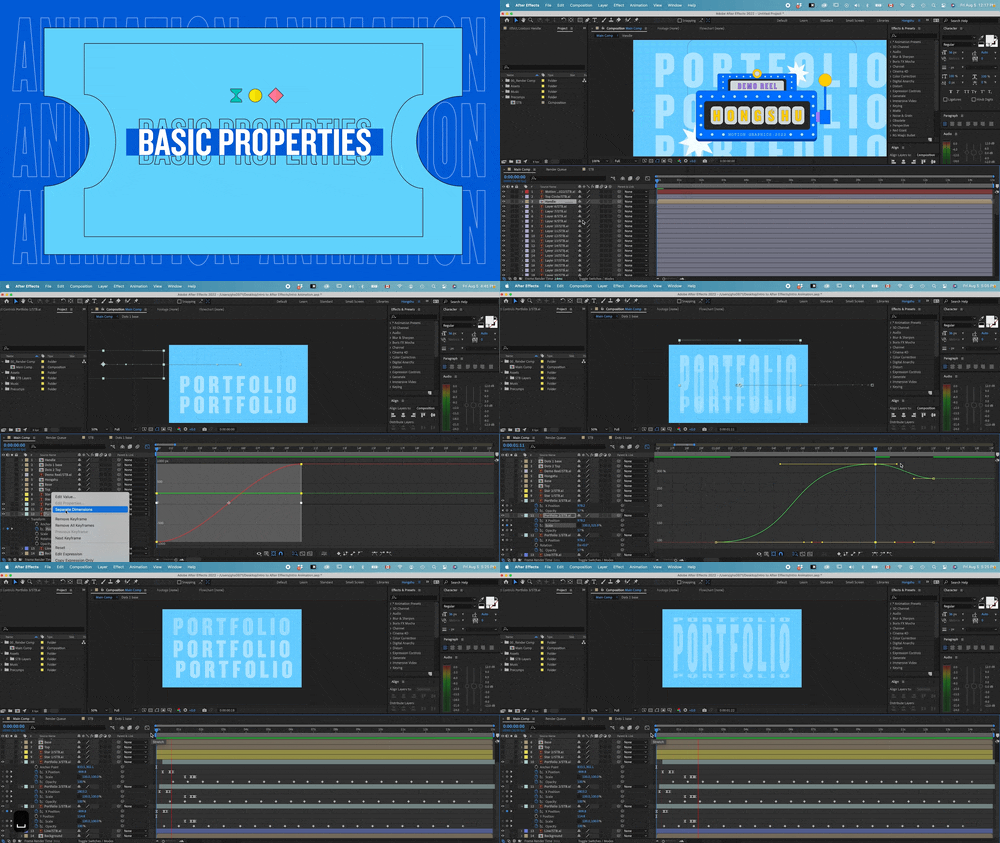
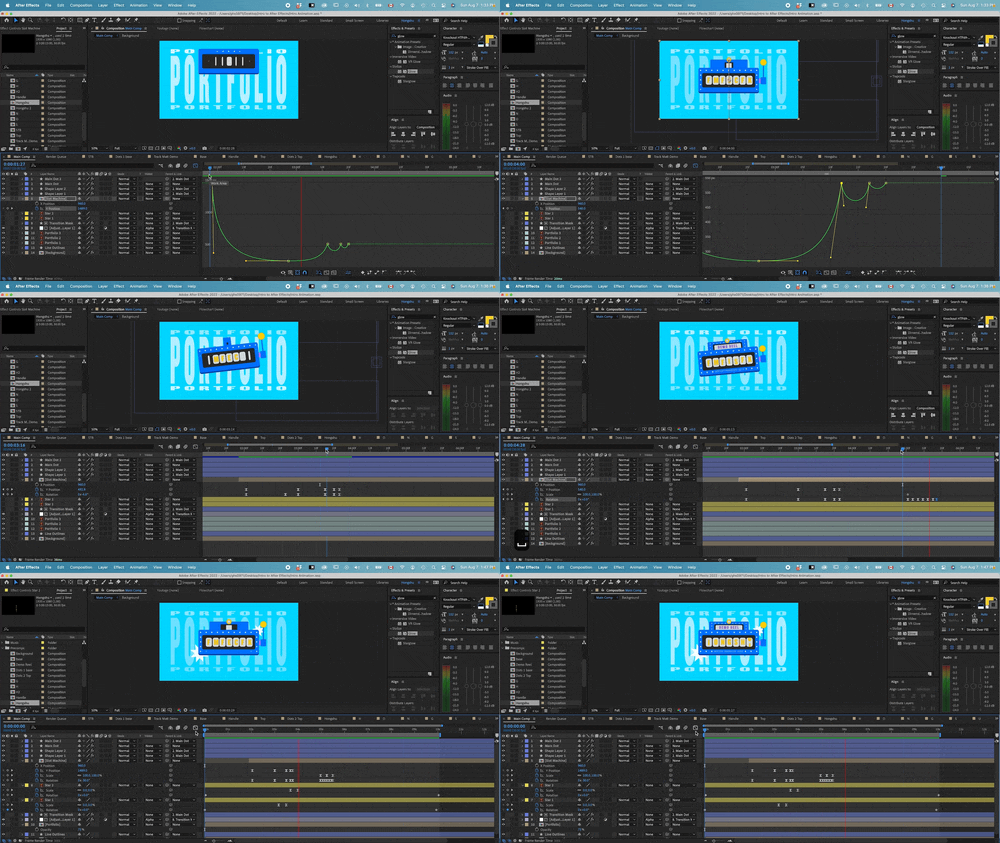
In this section, we will focus on animating with the basic properties. We will cover layer organization, pre-composition, keyframe animation simple animation principles and working with graph editors.
Section #3
Transition Animation
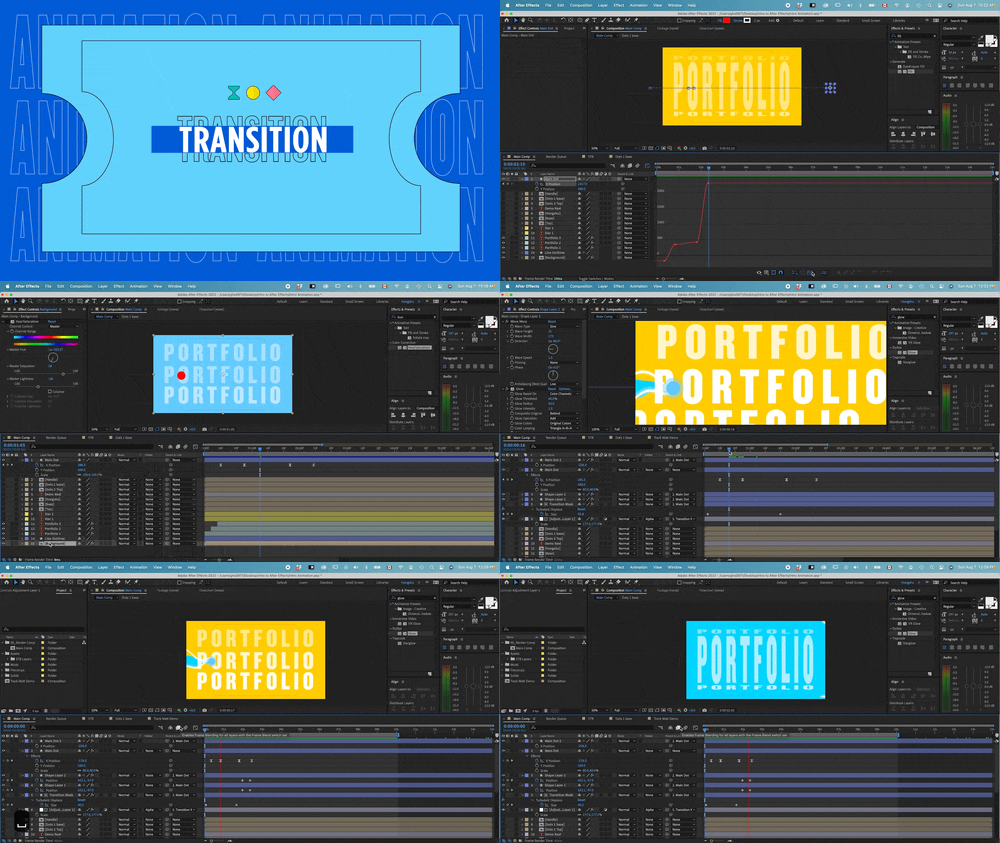
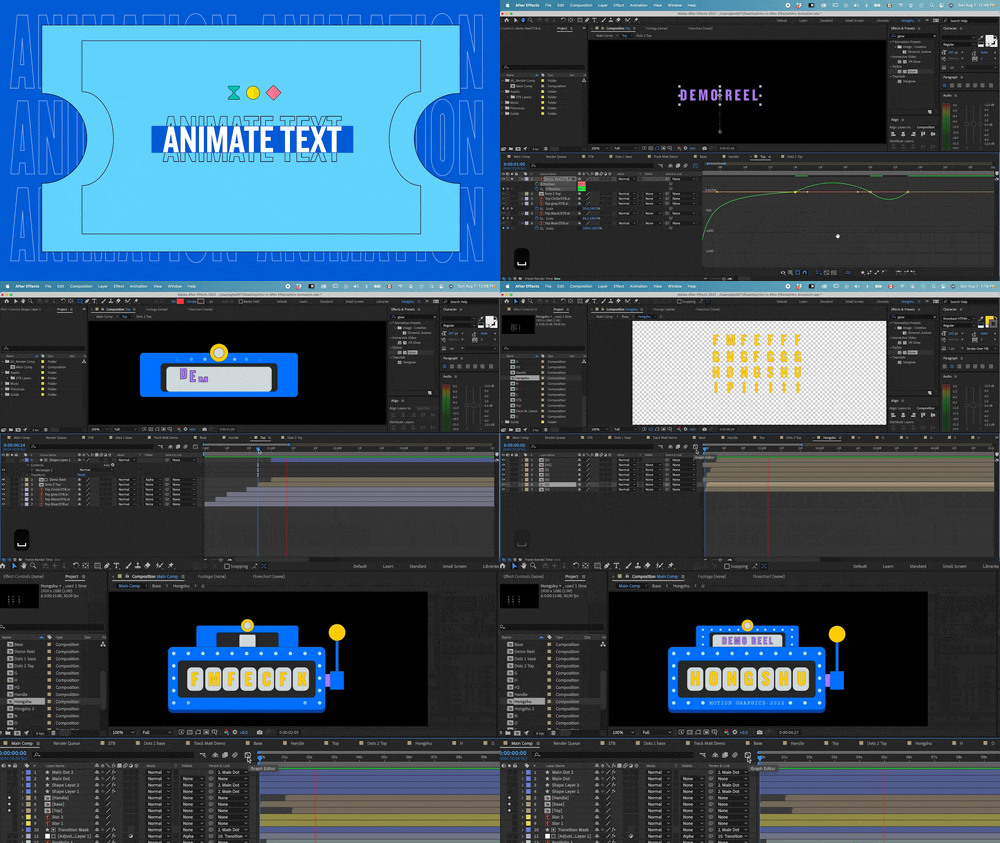
In this section, we will wok on transition animation based on our storyboard. You will be introduced with fun ways to animate transitions with masks, trim path, special effects to achieve a complex looking transition animation.
Section #4
Vector Animation
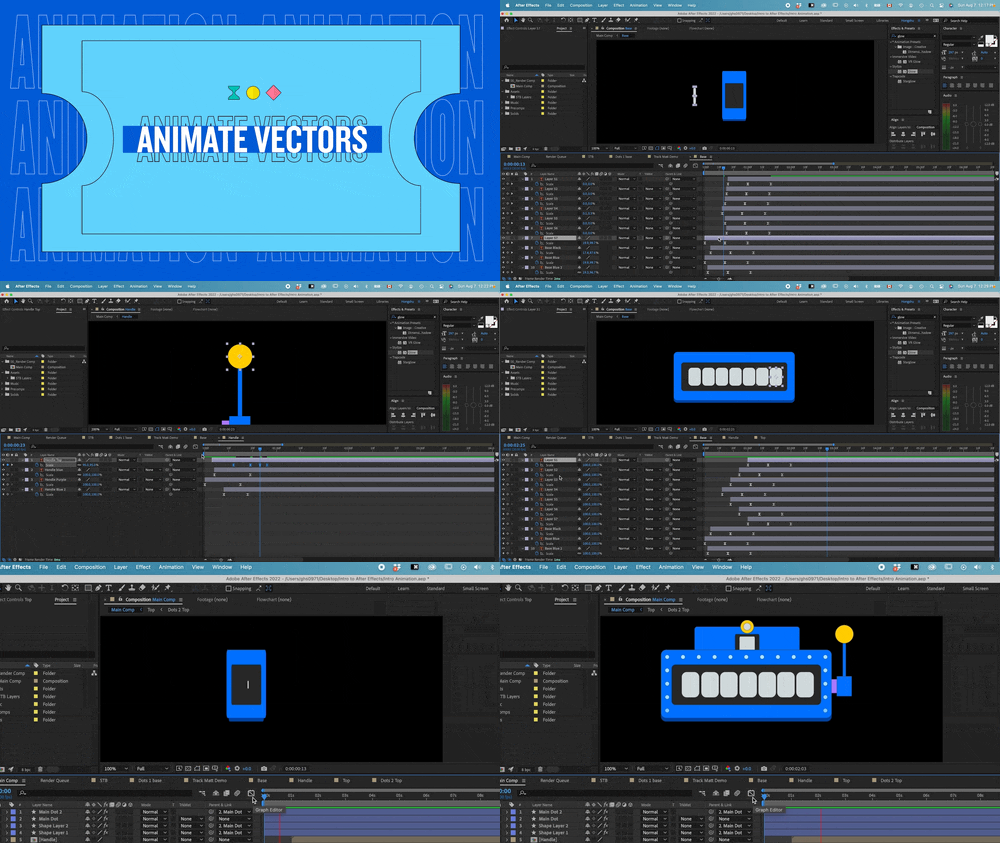
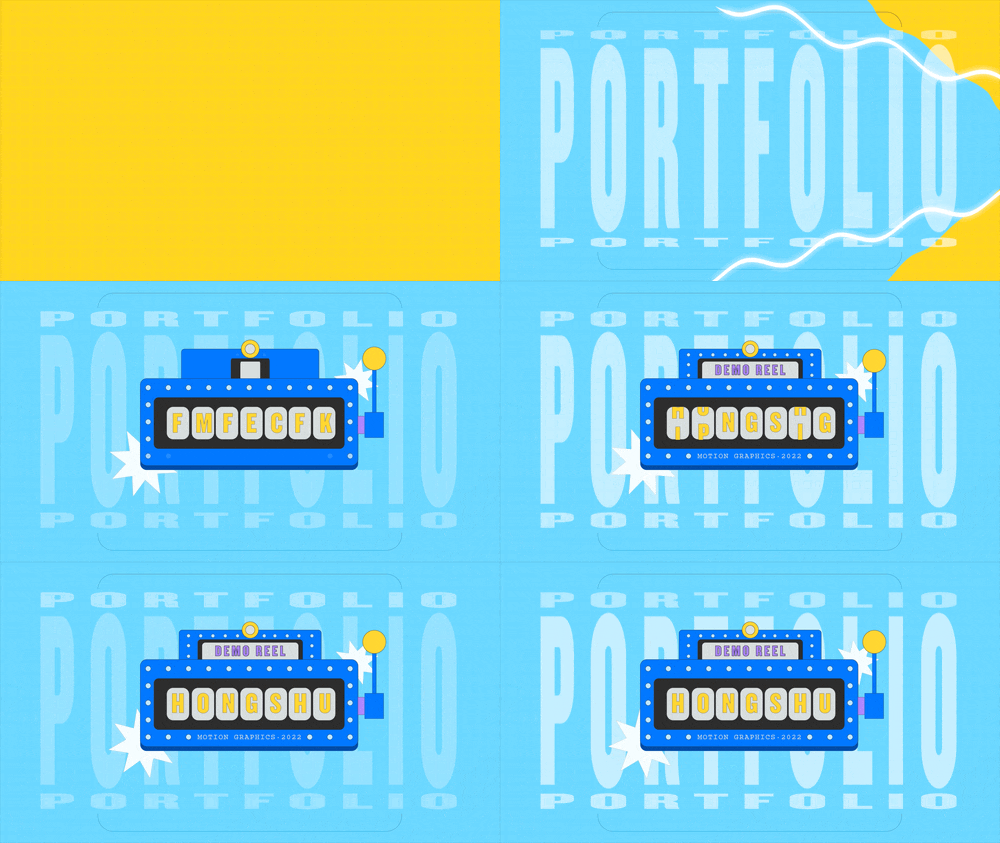
In this section, we will cover how to animate vector elements in After Effects, we will use the slot machine as an example and start animating different parts of the elements with animation principles and graph editors.
Section #5
Text Animation
In this section, we will move on to animate the text in the scene, we will introduce you with a couple fun and interesting ways to animate text. Lotsof techniques that you can apply right away to any other text animation.
Section #6
Final Touches
In this section, we will be adding some final touches to our animation and teach you how to make an object bounces following physics. A couple of extra movements that will add another layer to your animation and improve the complexity of the project.
Section #7
Finishing Up
Finally, we will add music and finish up the project. Throughout the course, you will learn a variety of tools inside After Effects, tons of keyboard shortcuts and many workflow tips and tricks. After finishing up this project, you will be confident and fully equipped to animate anything within After Effects.
Students Review
This course exceeded my expectations. I needed a refresher on using after effects and have a limited base knowledge. This felt like a little step up, but to the level where I wasn’t left confused. I am thankful this course shows not only standard ways of learning but also points out deliberate pitfalls, much as you would experience with a client or working up a project yourself, which is actually much more beneficial to learn as Hongshu teaches you critical thinking to problem solutions within the project.
Thomas Lambert
Digital Designer
A++++ very nice! straight to the point and giving the relevant techniques and examples. This is exactly what I was looking for and it was hard to find. Other courses I’ve seen are usually much longer, introduce concepts when you don’t need them, take forever to get to the point or to give you something actionable and motivating to try. This course gets all of that right plus the teacher gave me relevant feedback on my project.
Mouad Lahoiwir
Graphic Designer and video editor
This lesson is High Standard for me since this is my first time using Adobe After Effect, so I will make sure to Watch this video again and again even after my project is finished. Sometimes there’s a part that I forget and sometimes don’t understand so I should watch it again. But these lessons are really amazing and exceed my expectations. Thanks Hongshu Guo.. I strongly recommend this class if you wanna learn Beginner – Intermediate in Motion Graphics!
Denny Sutanto
UI/UX designer
This was a really interesting and useful class for me. I already used animation for a year and I had no idea about these basic rules which can make an animation a lot better. I have learned a lot and I fully recommend it to anyone who wants to be more professional in animation.
Bea Berecz
Video Editor/Motion Designer
This class exceeded my expectations! Super helpful course with info and techniques that I was able to immediately apply to my motion graphics work. The lessons were well organized and easy to follow. I will definitely take more courses from Hongshu!
Katherince P
Digital Designer
The class is sooooo amazing for understanding how to get the animated, lively feeling you are looking for. Absolutely essential!!!!I love Hongshu’s pacing for the class. He guides you in building a solid foundation for how to use the powerful and vital graph editor. Thank you Hongshu!!!
Ginny O
Digital Designer
I started as a beginner and I feel that I’m learning a lot so far and I love the assignments! It really help to learn with efficiency! So I really recommend this class!
Elaine Barrientos
Graphic Designer / Video Editor
Thank you so much for this lesson! It’s so hard to find a course that answers all my questions, but yours did. I feel much more confident now using AE! Greetings from Germany!
Saskia R
Freelance Designer
It is one of the most well designed courses which actually deals with the fundamentals of animation. A great course indeed. Just AMAZING !
Rajashree Basu
Production Designer
This class is a super great option to get you started on Motion Graphics. You do probably need to be beginner-level familiar with AE, like knowing how the interface works and understanding key frames and such. But other than that, you will learn everything you need to. I loved this class, and I like that we learned a few different animation types, and that there are practice examples provided so you can follow along. Definitely recommend!
Megan Smith
Motion Graphic Designer
At first I was so confused about After Effect it seemed so complicated to me but following the instructions I finally understood how this program works. Also I managed to make my first motion graphics and I am very thankful. Thanks Hongshu Guo!
Sofia Tsantila
Digital Designer
Hongshu is a fantastic teacher. His examples are clear, and he retains his own personal enthusiasm as speaks and teaches, which is helpful because there is a lot of information to stay focused on. I am still working on the assignments, revisiting them to help me remember the concepts. As they become natural to me, I will have Hongshu to thank for it. This is a great course!!
Shawn Encarnacion
Cartoonist Illustrator
Join The Course Today
Get started and take your motion design to next level!
Motion Insiders
All Access
$99
/quarter
- Access to all courses that have been enrolled by 100,000+ students
- Discounts on all project files from other artists listed for sale
- Exclusive access to private Discord group for students
- Unlimited Critics for 3 months. Ongoing support from the community
Price will go up as more modules are added